Sign Up at Hunnt AI
Creating a regular user account on Hunnt AI allows you to access all available services, subscribe to individual tools or bundles, and start using the Hunnt AI Agent to enhance your website. Follow the steps below to complete your registration.
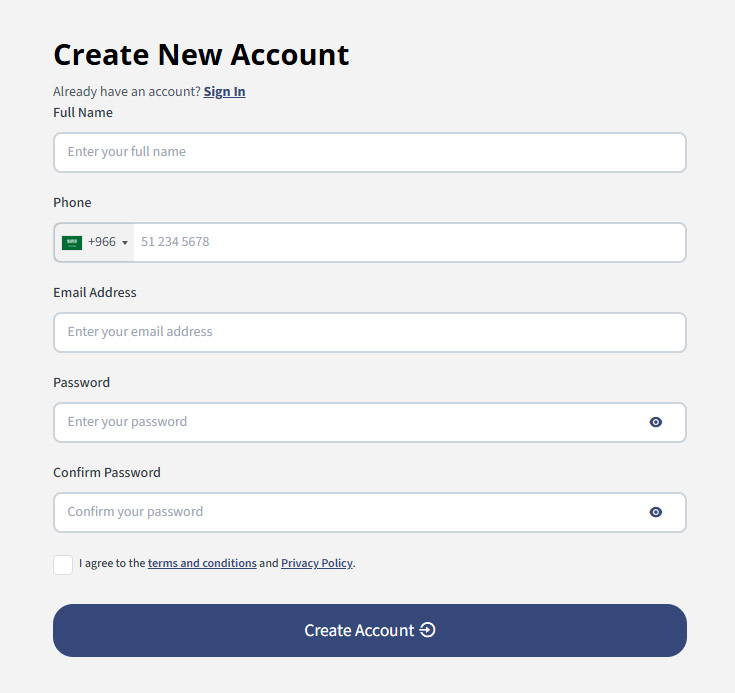
Step 1: Go to the Registration Page
Visit the official sign-up page: Click here to create an account
Step 2: Fill in the Required Information
You will be asked to provide the following details:
- Full Name – Your personal name as the account owner.
- Phone – Your phone number for verification and communication purposes.
- Email Address – Your primary login and notification email.
- Password – Create a secure password for your account.
- Confirm Password – Re-enter the same password to confirm.
Step 3: Verify Your Email (OTP)
After submitting your information, you will receive a One-Time Password (OTP) via email. Open your inbox, copy the verification code, and enter it in the OTP field on the website. Once the code is verified — congratulations! Your Hunnt AI account is now active.
Now you need to sign in with your google account which linked with Search Console (Sign with Google Email which linked to Search Console where you added your domain). For more details read this article

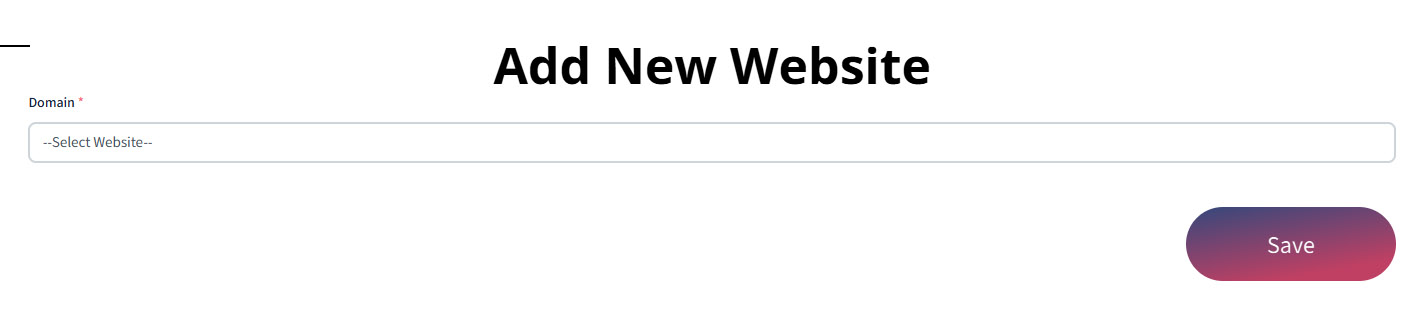
After sign in with Google Account choose your domain from dropdown list (This list is show the list of domain linked with your Search Console Account)
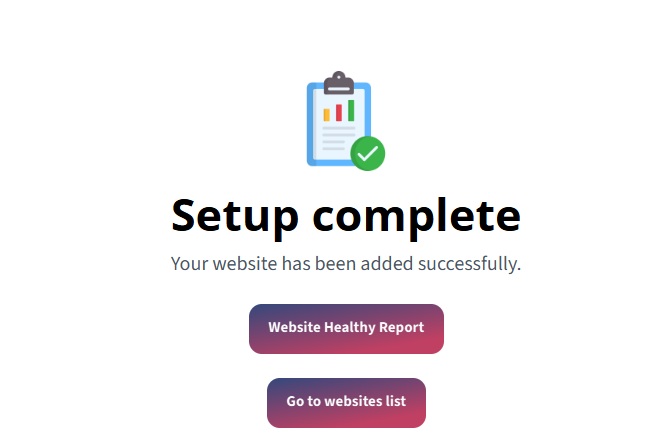
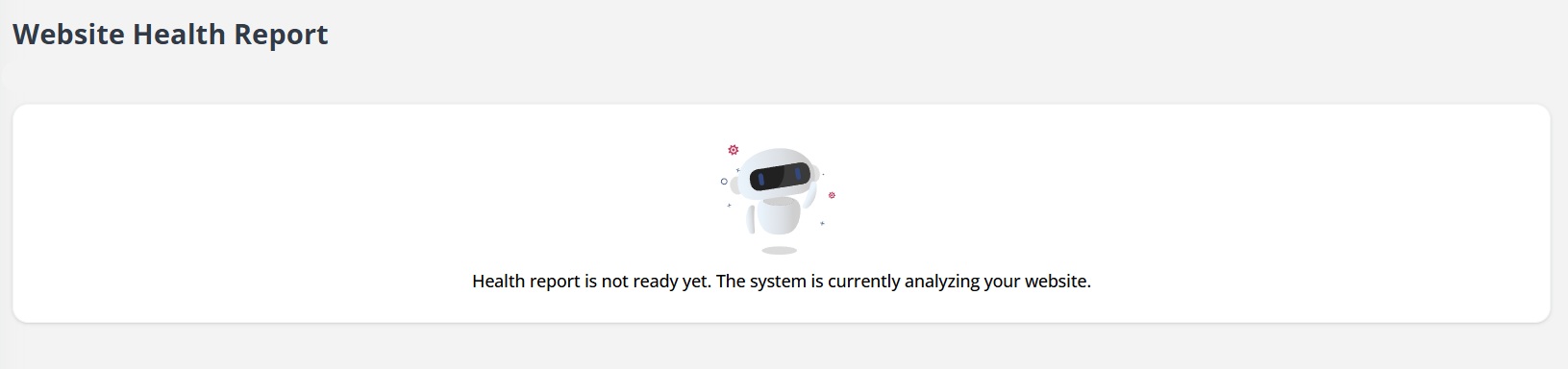
After Setup Complete you can press on Website Healthy Report to see your report.
If your website has many URLs so it may take extra time to be ready
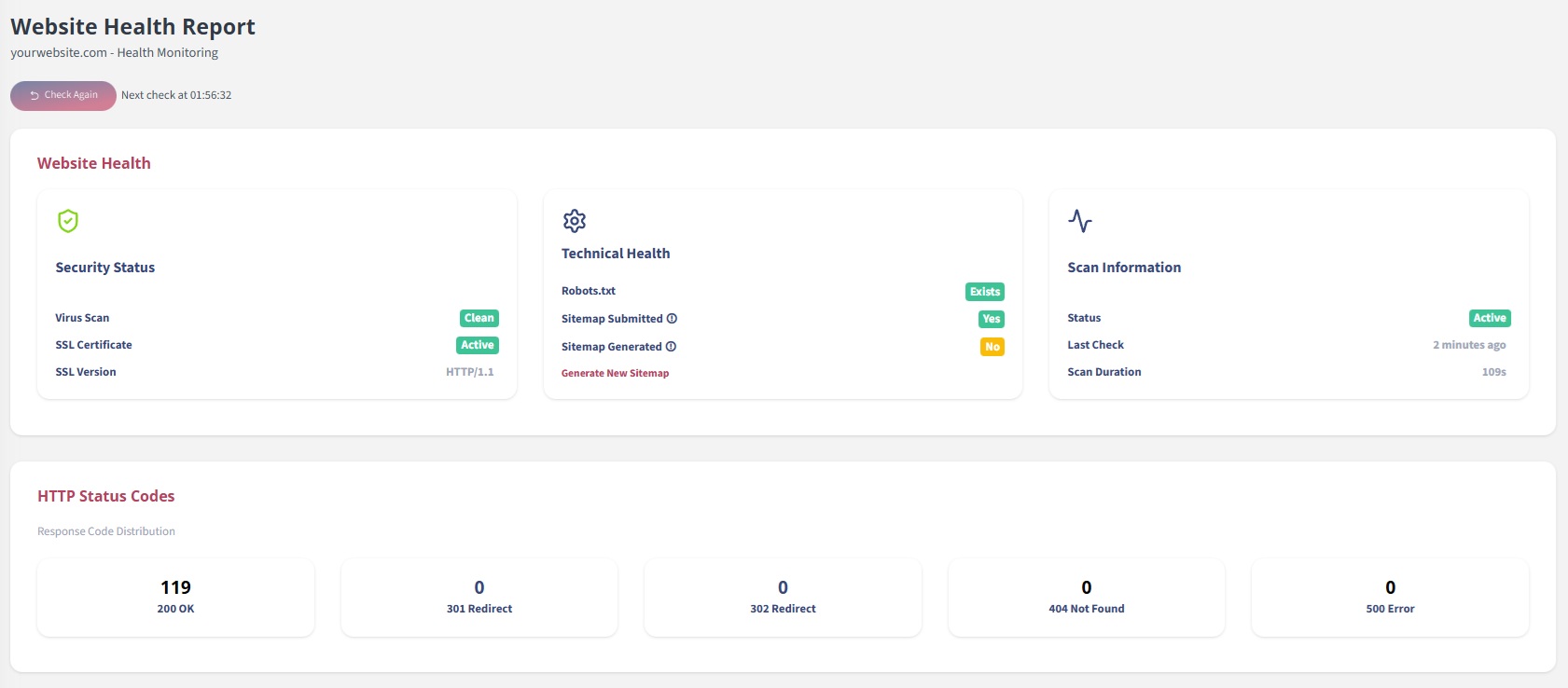
Congratulation your report is ready now.